AI Detector for Job Applications, Resumes and Cover Letters

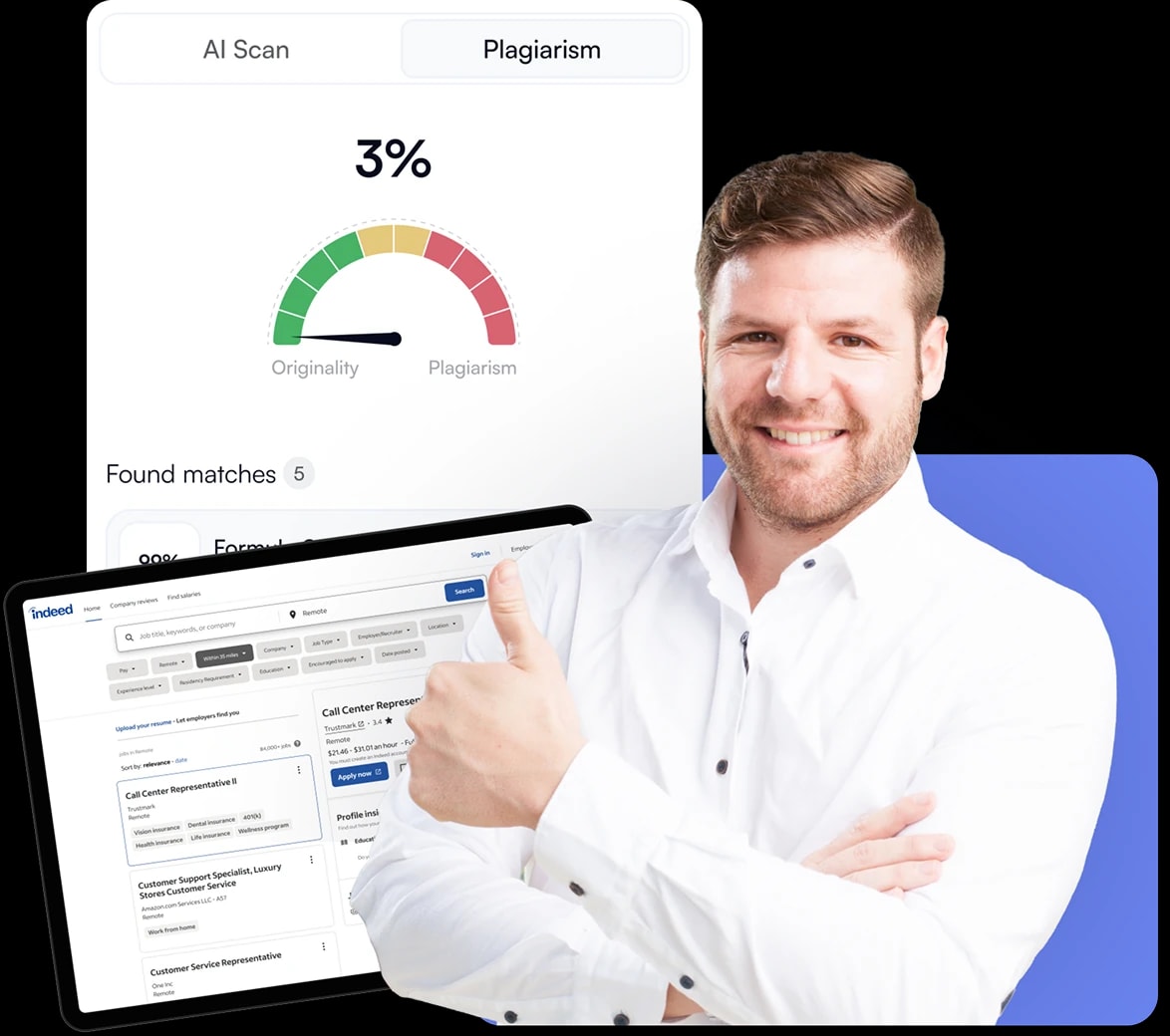
AI detector for recruiters — product illustration
Fast AI text analysis
Check resumes, CVs and cover letters for AI-written content. Review the results and use them to guide follow-up questions.
Check a CV

How to check job applications for AI-written content

  1. Add the application text

    Open It's AI and paste text from a resume, CV or cover letter, or upload the document.

  2. Review the AI result

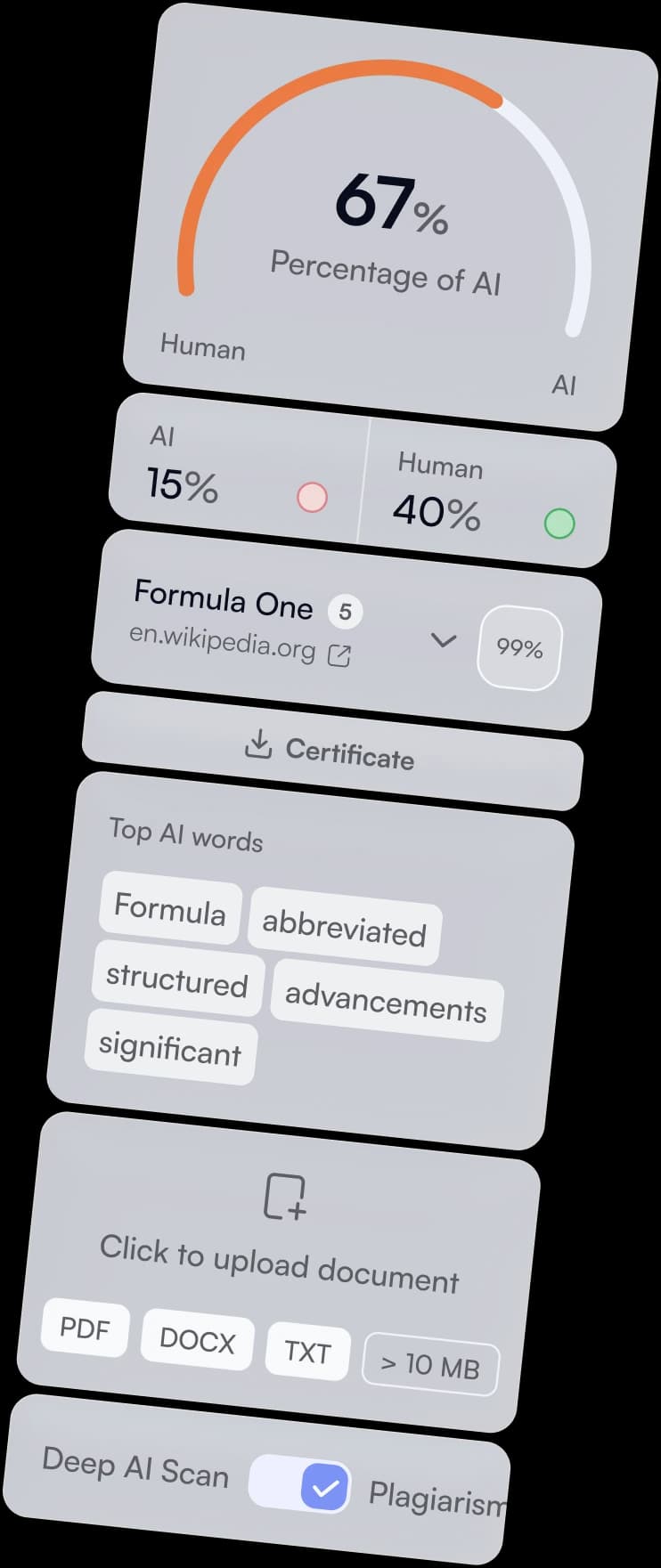
    Run a scan and review the result. Use Deep Scan to examine highlighted passages in context.

  3. Follow up with the candidate

    Compare the text with other application materials and ask questions where clarification is needed.

AI detection is a review signal. Do not reject a candidate based only on an AI score.

Review job applications with context

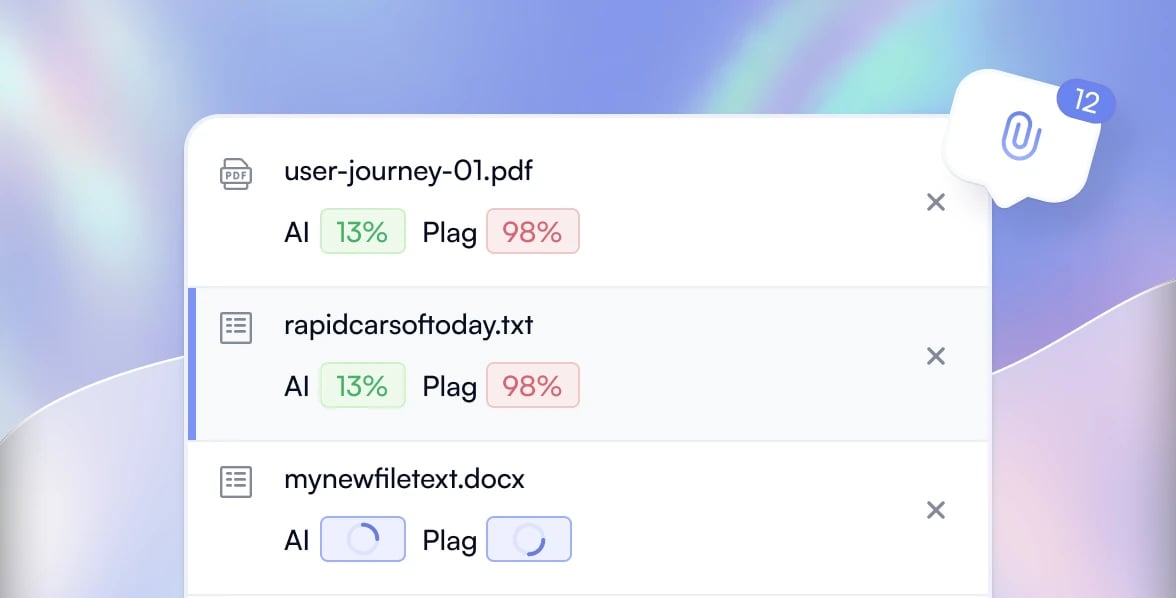
Review multiple applications in one workflow
When applications arrive in batches, check multiple CVs and cover letters together instead of starting a separate scan for each file. Review the result for each document and decide which passages need a closer look. Batch upload helps your team follow the same review process across applications for a role.
Feature illustration
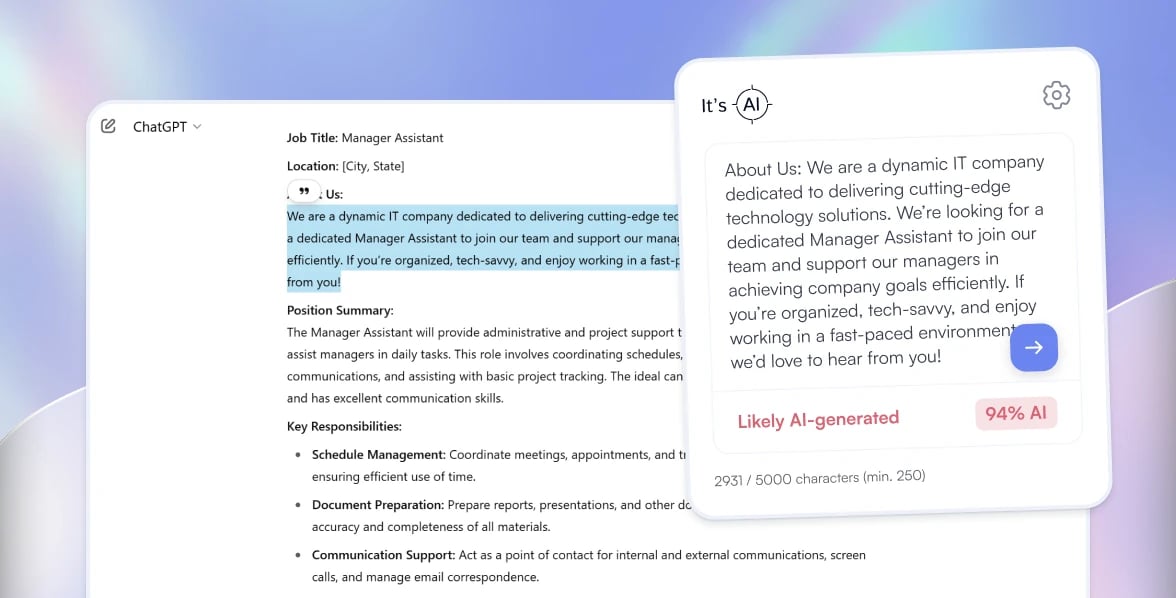
Turn a scan into better follow-up questions
Run a scan on a resume or cover letter to estimate whether it contains AI-written text. Use the result to prepare focused questions about the candidate's experience, examples and writing process. The score gives you a starting point for a conversation; it does not establish their skills or honesty.
Feature illustration
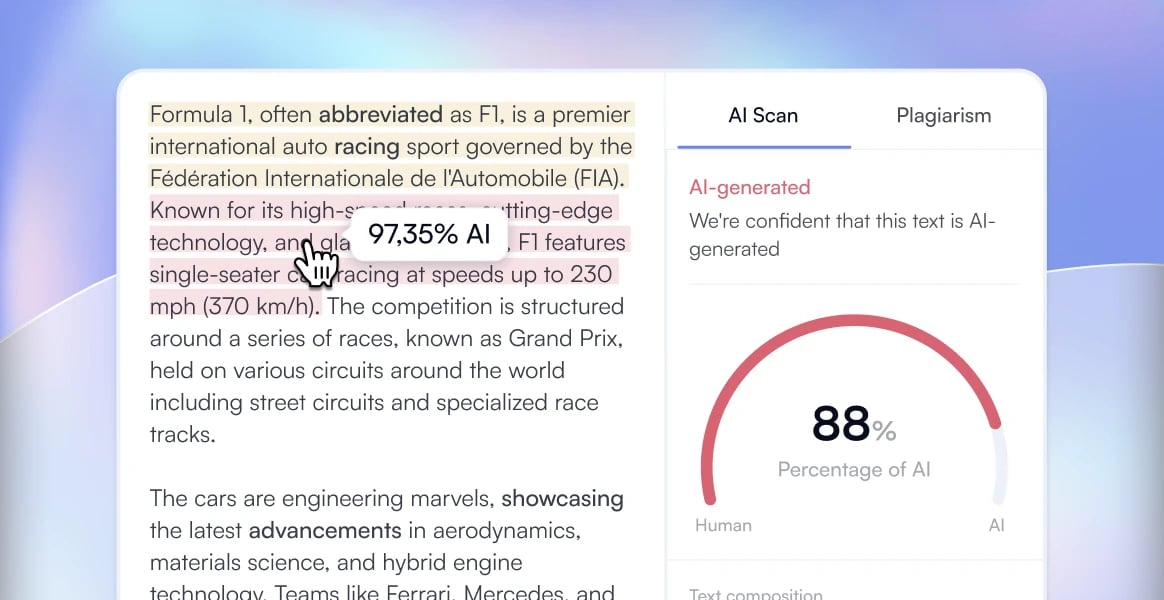
See which passages need more context
Deep Scan highlights passages that may be AI-written, so you can examine the wording behind an overall result. Compare those passages with the candidate's CV, cover letter and other application materials. Review the context and ask for clarification where needed, rather than treating every highlighted passage as a reason for rejection.
Feature illustration
Bring AI checks into your hiring workflow
Use the It's AI API to add text checks to the application review process your team already uses. Your developers can build a connection to your ATS or internal tools using the API documentation. Plan how recruiters will review the results and follow up with candidates before automating any part of the workflow.
Feature illustration
More features of It's AI for recruiting
Loading
Try It’s AI now
4000 words for free
Go to App

It's AI Integration Capabilities

As you want with our integrations
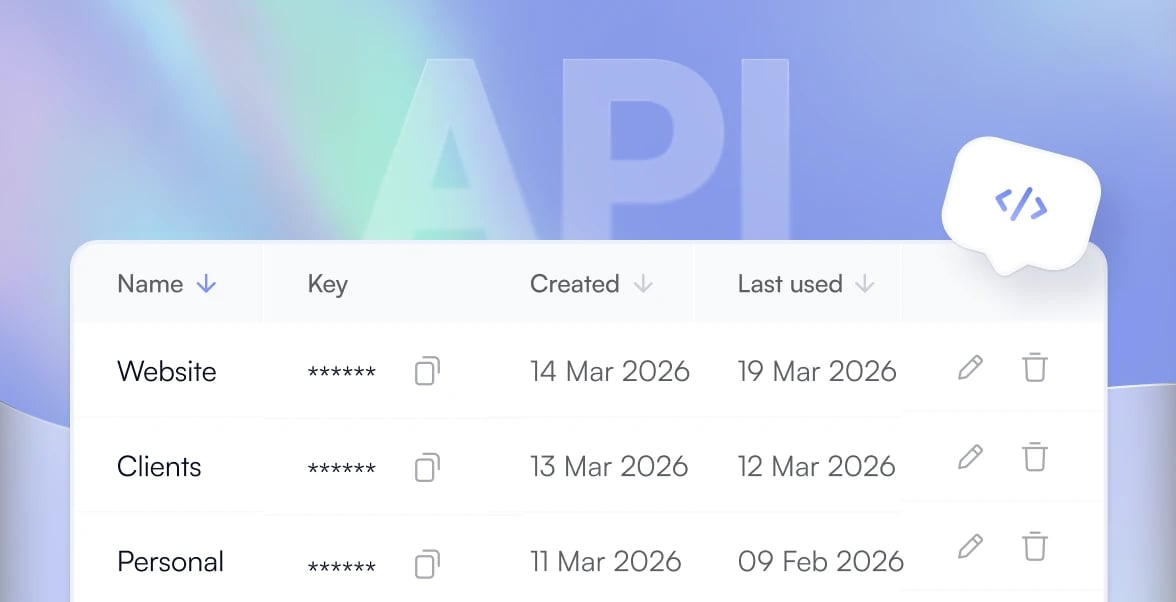
API
Integrate It’s AI into your own applications with our API.
View API docs
Canvas LMS
Scan student submissions for AI right inside Canvas SpeedGrader.
See how it works
Chrome Extension
Highlight any text and get instant answers — no need to leave the page
Try extension
Moodle Integration
Coming soon
Ensure academic integrity by verifying AI-generated content in Moodle
Set up Moodle
ChatGPT Plugin
Analyze and verify AI-generated content directly within ChatGPT
Use plugin
Zapier Integration
Connect AI detection with thousands of apps for automated workflows
Set up integration
Python SDK
Access It's AI detector right from the Python code
Get started

Reviews

Batch upload is one of the best features of It's AI. The possibility to upload multiple CVs for AI detection at a time has made our hiring processes faster and more efficient.
[object Object]'s avatar
Karolina Ferfet
Recruiting Associate at J.P. Morgan
With It's AI I quickly detect and filter the candidates who generate their CVs with AI. It saves lots of time on candidate selection and further interviewing.
[object Object]'s avatar
Álvaro Lafuente
Recruiter at Deloitte Consulting
Outstanding! It's AI is a perfect tool for those who want to quickly check candidate CVs for AI-generated content. Deep scan mode is also a must-have when you want to ensure authenticity in your vacancy descriptions.
[object Object]'s avatar
Adriana Acuña
Recruiter at Q Energy
It's AI is not the first tool I use for AI detection. However, it's the most accurate and convenient with plenty of functions that make my work easier and more efficient.
[object Object]'s avatar
Dilna Damodaran
Talent Acquisition Specialist at Speridian Technologies

Why Recruiters Choose It's AI?

Simple
Accurate
Affordable
The most accurateAI detector in the world
The most accurate AI detector according to MGTD benchmark (ICAIE, 2025) – the biggest and most robust benchmark for AI checkers, consisting of 15 other datasets and almost 2M samples
MGTD Roc-Auc Score
It's AI
92.0
GPTZero
88.7
Originality
82.5
ZeroGPT
71.4
Multilingual Support
99% average accuracy across English, Arabic, Spanish, French and German. See benchmarks →
99.1%
accuracy
Our average score among GRiD, HC3 and GhostBuster benchmarks.

crown
False Positive Rate
AI trained to minimise false positives. FPR: 0.8% on the ASAP 2.0 corpus of English student essays.
Make application reviews more informed

Check application text for AI-written content and use the results to guide a closer review. Keep hiring decisions with your team.
Detect AI
Find plagiarism
Improve texts
originality

FAQ

A few more questions?
What is an AI detector for job applications?
An AI detector estimates whether application text may be AI-written. You can check a resume, CV or cover letter and use the result to guide a closer review. It does not verify a candidate's experience or qualifications.
Can AI detectors be used during the hiring process?
AI detection can be one input in a human review process. Follow your organisation's policies and applicable requirements. Do not use an AI score alone to reject a candidate or assess their skills.
How do I check if a resume or CV is AI-generated?
Paste the resume or CV text into It's AI, or upload the document, and run a scan. Review the overall result and use Deep Scan to examine highlighted passages. Discuss unclear passages with the candidate.
How do I check if a cover letter is AI-generated?
Add the cover letter text to It's AI and run a scan. Review the result alongside the rest of the application. Templates and editing can affect interpretation, so use follow-up questions to understand the candidate's own experience.
Can a detector identify which AI tool a candidate used?
An AI detection score does not identify the exact tool a candidate used. Treat the result as an estimate about the text, not evidence that a specific chatbot or model was involved.
Can I integrate AI detection into our ATS?
The It's AI API can be used to add text checks to a hiring workflow. Your team needs to implement the connection to its ATS and review the current API documentation. Do not assume a ready-made connector is available for every ATS.
Can I check multiple job applications at once?
It's AI offers batch upload for checking multiple documents. Check the current availability and limits in your account. Review each application's result in context rather than applying an automatic rejection rule.
Are AI detectors accurate for resumes and cover letters?
Results can vary with text length, formatting and editing. General benchmark scores do not establish accuracy on your candidate documents. Test the tool on representative examples and allow for false positives and false negatives.
How can we avoid unfair decisions from false positives?
Do not rely on an AI score alone. Review the application as a whole, consider the context and ask the candidate for clarification. Keep a recruiter responsible for interpreting the result.
Is there a free AI checker for recruiters?
You can start with the free allowance offered in the It's AI app. Check the current allowance and available scan modes before uploading applications. Batch processing and other features may require a paid plan.