AI Checker for Managers: Detect AI in Reports

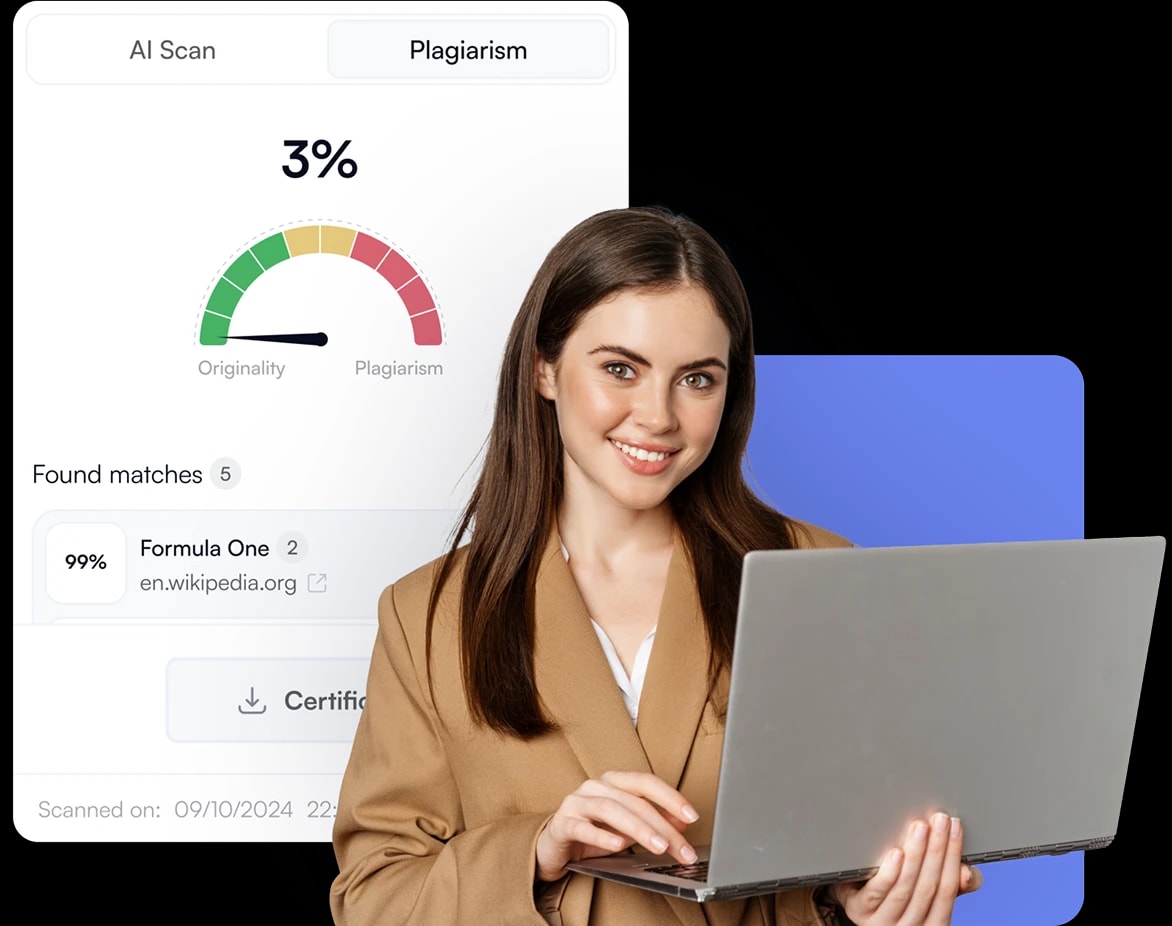
AI detector for managers — product illustration
Fast AI text analysis
Check employee reports and business documents for AI-written content. Review the results before following up with your team.
Check a report

How can managers detect AI in reports?

  1. Add the report

    Open It's AI and paste the report text or upload your document.

  2. Run an AI check

    Review the overall result. Use Deep Scan when you need to examine highlighted passages.

  3. Review the context

    Check sources and supporting evidence, then ask the author about passages that need clarification.

An AI score does not verify facts or prove misconduct. Use it as one part of your review.

Review reports with context

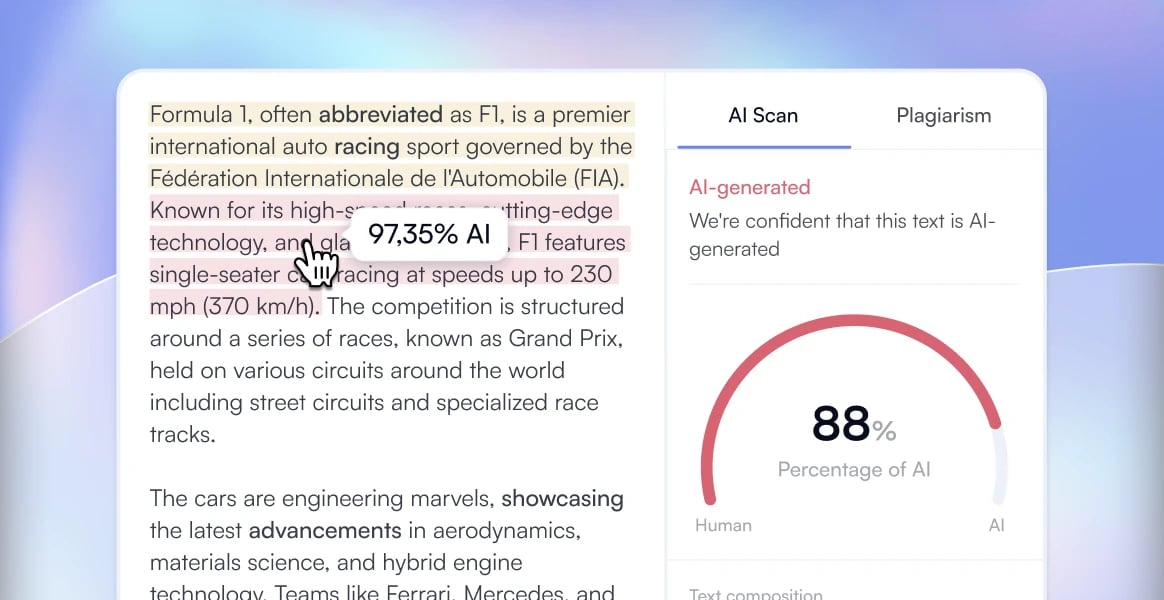
See which passages need a closer look
A score is only the starting point. Deep Scan highlights passages that may be AI-written, helping you focus your review on specific parts of a report. Compare those passages with the author's sources and supporting evidence, then ask focused questions about how the work was produced.
Feature illustration
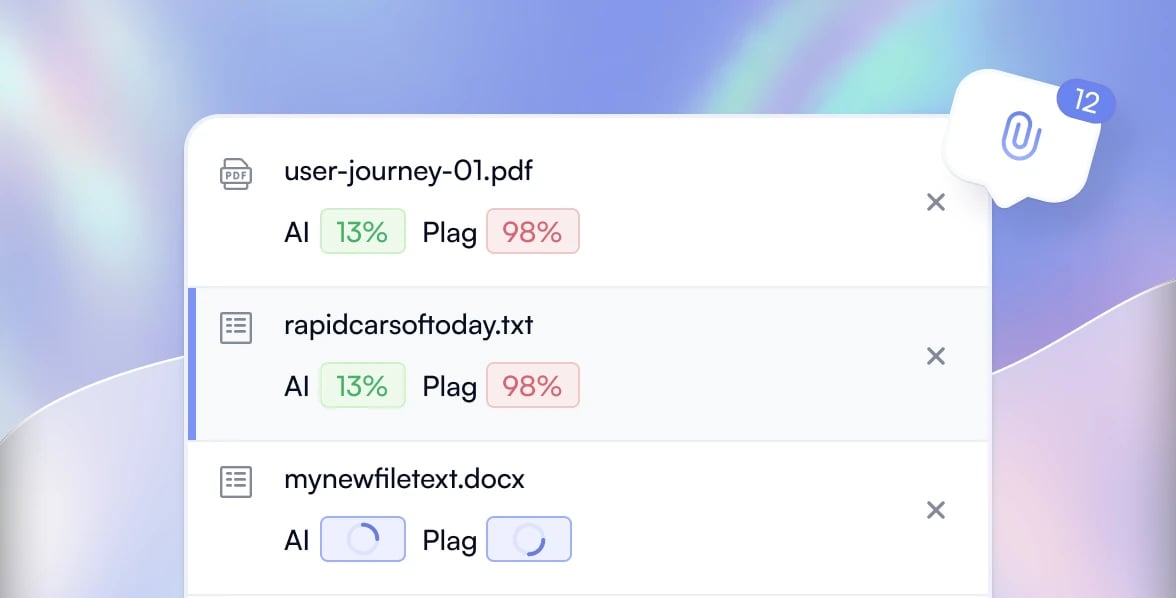
Review multiple reports in one workflow
When several employee reports or vendor deliverables arrive together, use batch upload to check them in one workflow. Review the result for each document and decide where a closer look would be useful. You can then discuss specific passages with their authors, using the same review process across your team.
Feature illustration
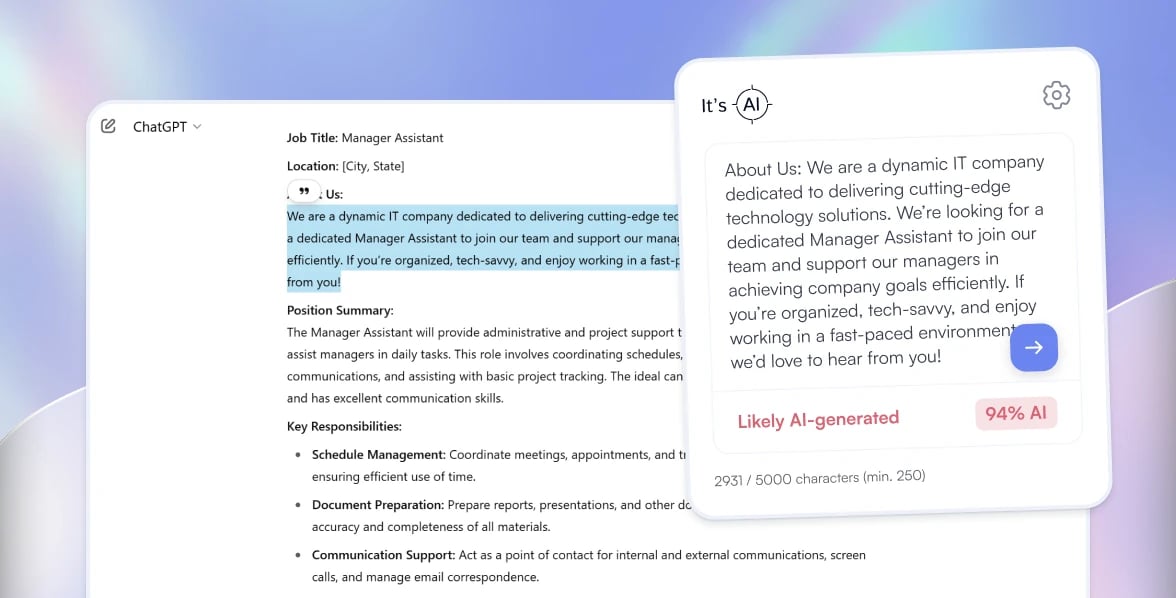
Check text where you already work
Use the It's AI browser extension to check text while reviewing online documents. It is useful when you only need to examine a passage in a report, a draft or a vendor update. Keep the surrounding context in view, review the result and decide whether to ask the author for more detail.
Feature illustration
Additional features of AI detector for managers
Loading
Try It’s AI now
4000 words for free
Go to App

It's AI integration capabilities

As you want with our integrations
API
Integrate It’s AI into your own applications with our API.
View API docs
Canvas LMS
Scan student submissions for AI right inside Canvas SpeedGrader.
See how it works
Chrome Extension
Highlight any text and get instant answers — no need to leave the page
Try extension
Moodle Integration
Coming soon
Ensure academic integrity by verifying AI-generated content in Moodle
Set up Moodle
ChatGPT Plugin
Analyze and verify AI-generated content directly within ChatGPT
Use plugin
Zapier Integration
Connect AI detection with thousands of apps for automated workflows
Set up integration
Python SDK
Access It's AI detector right from the Python code
Get started

Reviews

I always check my employees' reports and writing with It's AI. It supports me and helps me stay confident in the quality and originality of their work.
[object Object]'s avatar
Casey King
Project Manager
at Morning Brew Inc.
I often use AI to help me write reports and social media posts, and It's AI makes them unique and genuine.
[object Object]'s avatar
Alena Astravukh
Web Marketing Group Manager
at Vention
The detailed scan history helps me keep my team accountable every day.
[object Object]'s avatar
Ilaria Leone
Digital Project Manager
and Media Strategy Consultant

Why Managers Choose It's AI?

Simple
Accurate
Affordable
The most accurateAI detector in the world
The most accurate AI detector according to MGTD benchmark (ICAIE, 2025) – the biggest and most robust benchmark for AI checkers, consisting of 15 other datasets and almost 2M samples
MGTD Roc-Auc Score
It's AI
92.0
GPTZero
88.7
Originality
82.5
ZeroGPT
71.4
Multilingual Support
99% average accuracy across English, Arabic, Spanish, French and German. See benchmarks →
99.1%
accuracy
Our average score among GRiD, HC3 and GhostBuster benchmarks.

crown
False Positive Rate
AI trained to minimise false positives. FPR: 0.8% on the ASAP 2.0 corpus of English student essays.
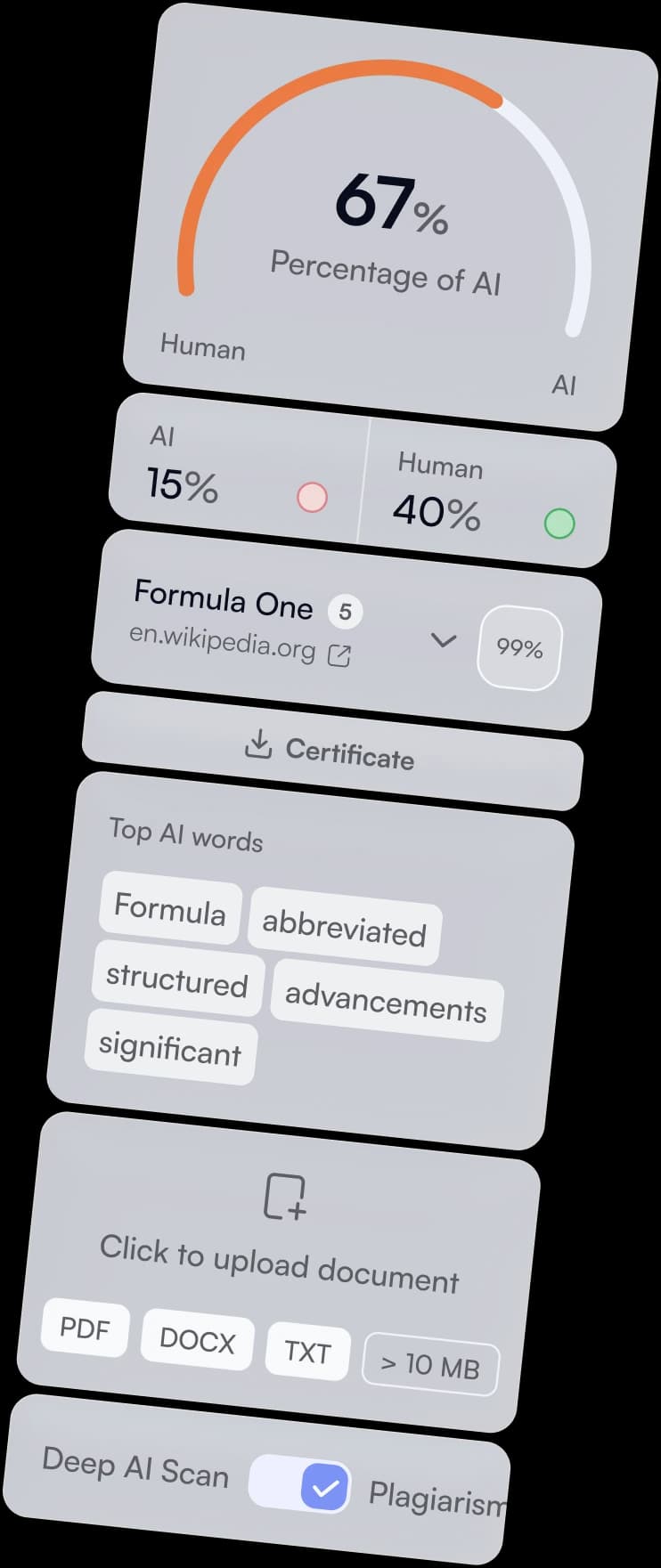
Review reports with a clearer next step

Check for AI-written content, review the context and discuss passages that need clarification with your team.
Detect AI
Find plagiarism
Review context
originality

FAQ

A few more questions?
How can managers detect AI in reports?
Paste the report text or upload the document to It's AI and run a scan. Review the result and use Deep Scan to examine highlighted passages. Check the document's sources and discuss unclear passages with the author.
Is there a free AI checker for managers?
You can start with the free allowance offered in the It's AI app. Check the current allowance and available scan modes before uploading. Ongoing use and additional features may require a paid plan.
Are AI detection results proof of misconduct?
No. AI detection can produce false positives and false negatives. A score does not establish an employee's honesty or verify the facts in a report. Review supporting evidence and speak with the author before drawing conclusions.
Can I check confidential business documents?
Before uploading confidential material, review your company's policy and the service's current privacy and data-handling terms. Confirm that you are authorised to share the document and remove sensitive details where appropriate.
Which business documents can I review?
You can review text from reports, internal memos and vendor deliverables. Check current file and text limits in the app. An AI scan estimates patterns in the writing; it does not verify the document's claims.
Can I add AI detection to our workflow?
It's AI offers a web app, browser extension and API. Choose the option that fits your review process and check its current capabilities. Include a human review step when interpreting results.
How do I use an AI detector to audit employee reports?
Select a report, run a scan and review passages that need clarification. Compare them with source material and ask the author about their process. Record the review outcome rather than treating the AI score as an automatic penalty.
Is AI detection the same as plagiarism checking?
No. AI detection estimates whether text may be AI-written. Plagiarism checking looks for matches with other sources. Neither check verifies the factual accuracy of a business report.
Can I share the results with my team?
Check the report and export options available in your account. When sharing results, include the document context and explain that an AI score is an estimate, not proof of misconduct.
How should I choose an AI detector for managers?
Compare tools on documents similar to your team's reports. Review false positives, supported workflows, limits and data-handling terms. Use benchmark results as background and test the tool on your own review process before a wider rollout.